 Fluxia
Add your playlist from your phone
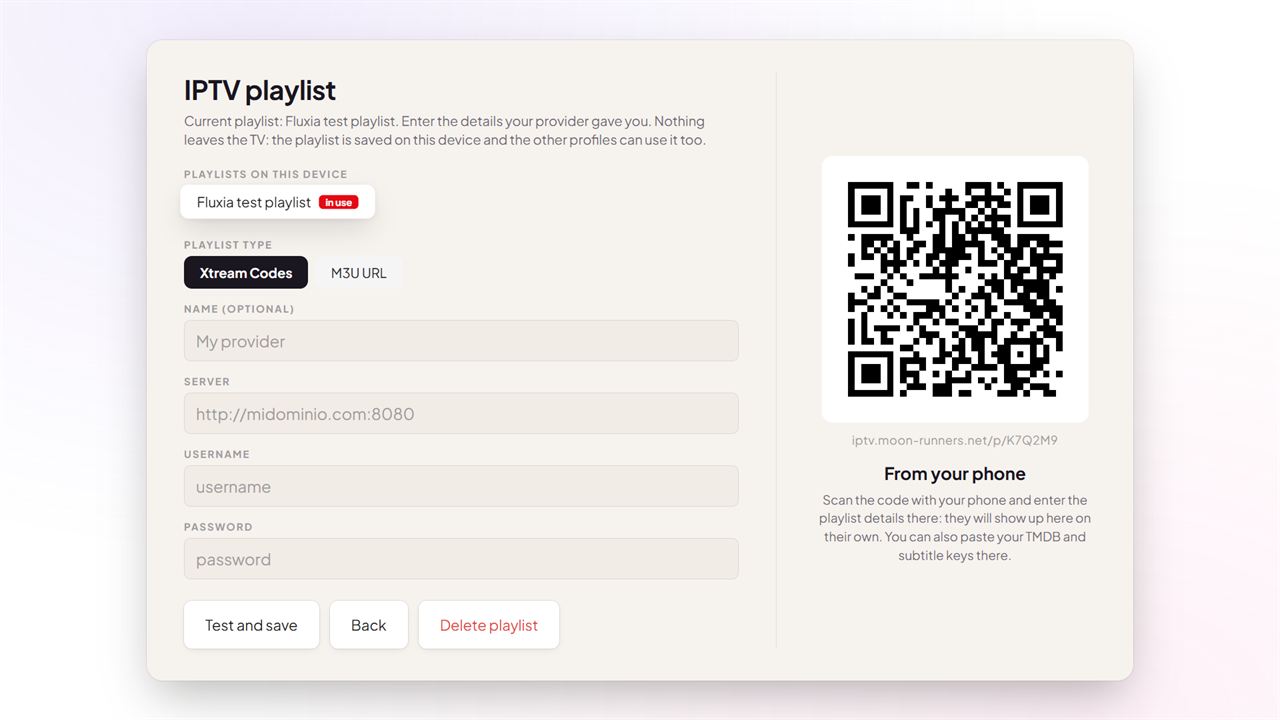
- On the TV, open Settings › Playlist and catalogue: a QR code appears.
- Scan it with your phone, or open the address shown under the code.
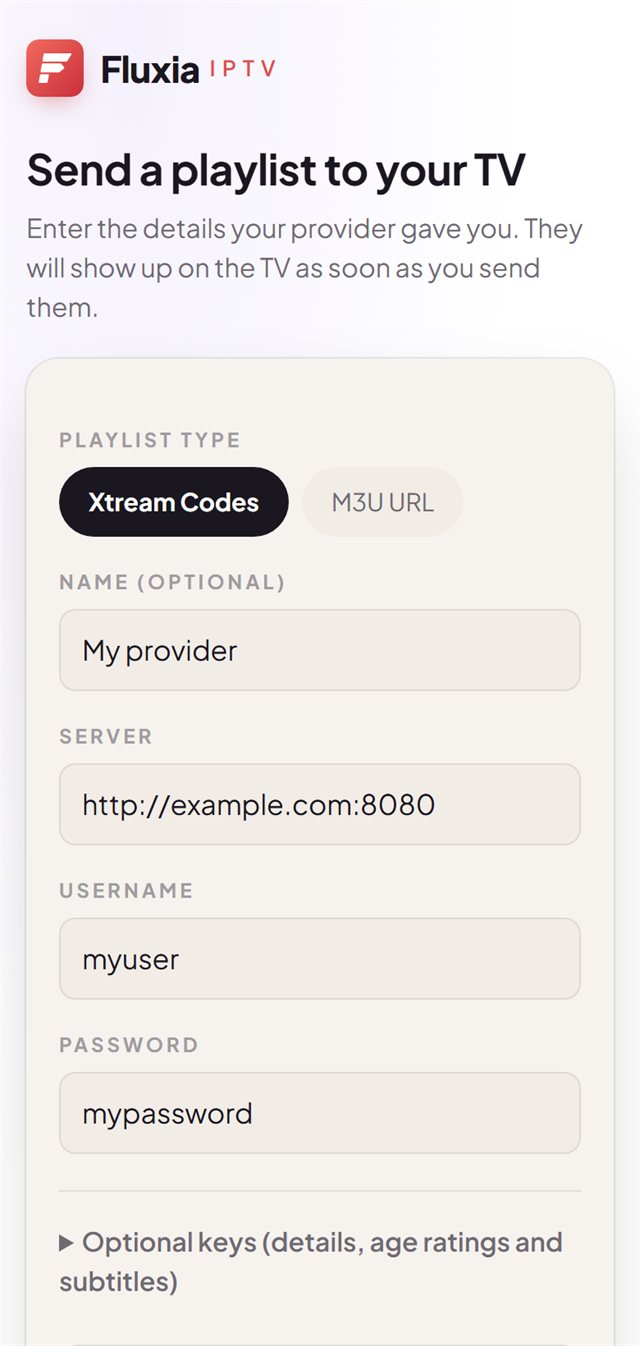
- Enter the details your provider gave you (Xtream Codes or M3U URL) and tap “Send to TV”.
- The TV checks the playlist and loads it on its own.